Mixing & Mastering Tip #215 ·
Soothe 2 vs SpecCraft vs Smooth Operator: when I use each one

Ruslan Slatin
Mastering engineer at SLATIN, Madrid
You’ve probably heard me rave about all kinds of tools for controlling harshness, shaping tone and keeping mixes clean without killing the vibe.
I’ve been testing different resonance tamer plugins, comparing them and maybe finding the best one overall. They all live in the same universe, but they behave so differently that if you pick the wrong one, you can lose transients, destroy the expressiveness or end up with something way too artificial.
Soothe 2: the classic we all know
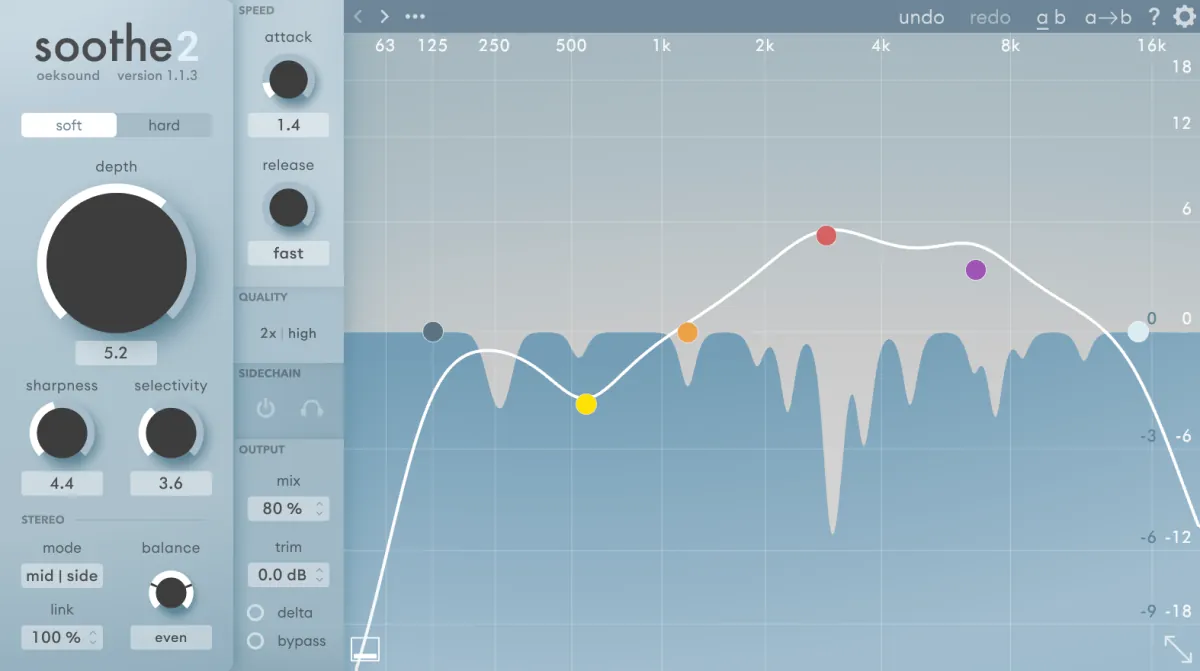
You already know this one. Everyone uses it because it works, and back in the day it was the first of its kind.
- The sound can get a bit artificial if you’re too aggressive.
- The attack and release aren’t real times, they’re percentages.
- Even at the fastest settings, there’s still some smoothing.
Even with the fastest attack and fastest release, it still sounds somewhat “smoothed”, so it isn’t as efficient when you need to sidechain things precisely.
But it sounds great and super natural with a slower attack and release on musical material. So I still use it quite a lot.
SpecCraft: the sniper rifle
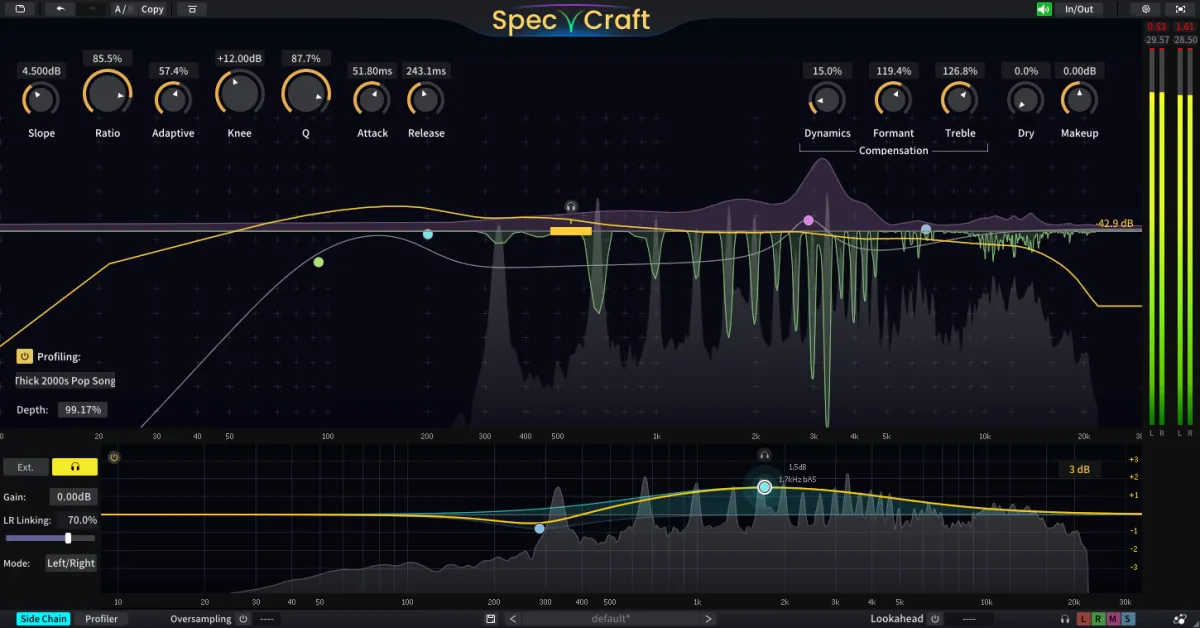
SpecCraft feels like Soothe but with way more control. Sniper control. You can see the exact frequencies you want to fix and hit them with precision.
Why I love it:
- Attack and release in real milliseconds, from 0 ms to whatever you want.
- Mid/side and sidechain options per band. That means each band can behave differently: left/right, mid/side, you name it.
- It even has a section that recovers dynamics you might lose when removing resonances.
It’s like Soothe with a Formula 1 engine under the hood. If you want extremely advanced surgical moves, this is your guy.
Smooth Operator: warm and analog
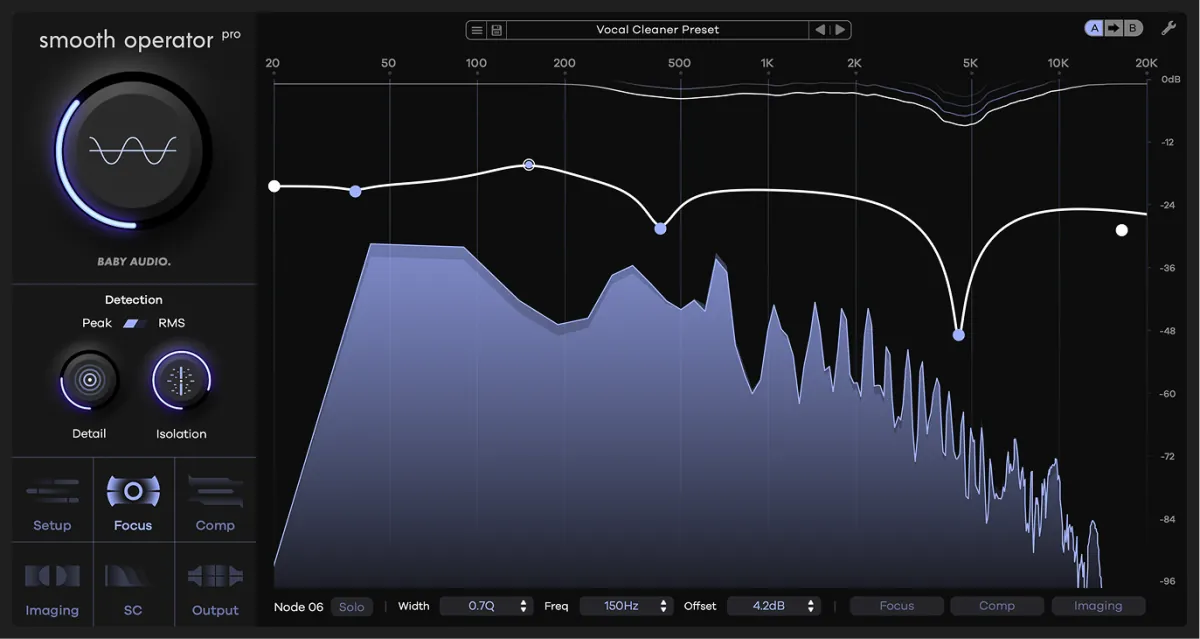
This one is exactly what the name says: smooth. But not digital smooth, more like “analog box doing magic in the background” smooth.
It’s very different from Soothe and SpecCraft:
- It does not sound like FFT processing if dialled in correctly.
- It behaves more like a creamy multiband compressor.
- The tone is warm, soft and super musical.
Its primary purpose for me isn’t resonance reduction. I use it for tonal shaping and control: removing low-mid muddiness from a vocal, taming harshness with precision and smoothing any remaining rough edges.
This plugin really shines on vocals, and sometimes in the mastering chain, just touching things gently.
A free option
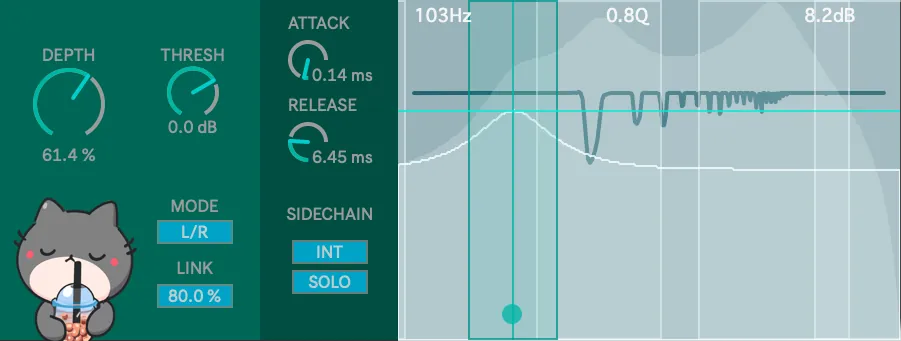
If you’re in Ableton and don’t want to spend money on any of these plugins, download Boba, a free FFT resonance suppressor.
Want this on your own track?
I master more than 1,000 songs a year for artists and labels, from stems or a stereo mix. Send me your track and I'll tell you what it needs.
A new tip like this every week, free: join the newsletter.
Work with me
Whenever you're ready, here's how I can help.
 MentoringMix & Master AcceleratorWeekly video reviews of your tracks, live group calls, and the business side of a studio career.By applicationApply now
  Preset packFUSION150 hand-crafted Valhalla VintageVerb presets. Three clicks to the sound you already hear in your head.20€Get the pack
  CourseAdvanced MicrodynamicsFour hours on the micro-level movement that makes a mix feel alive. Joined by 220+ students.149€See the course
  CourseLow End MasteryKick and bass chemistry, so your low end lands on club rigs and earbuds alike. Joined by 500+ students.159€See the course
  SoftwareStudiOSThe software I run my own studio on: deliveries, client feedback, versions and invoices in one place.14 days freeTry StudiOS