Mixing & Mastering Tip #176 ·
How to stop the UAD Meter from opening at startup on a Mac

Ruslan Slatin
Mastering engineer at SLATIN, Madrid
Are you annoyed by the UAD Meter floating on your desktop? I definitely WAS. Not anymore.
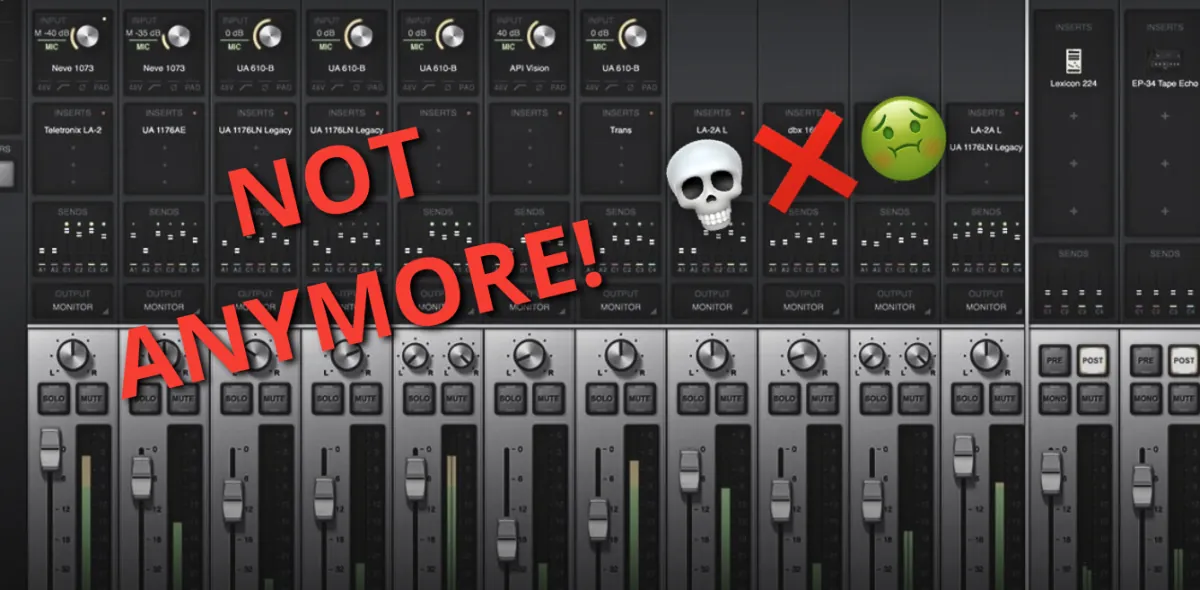
I don’t want the UAD Console app to open at launch and float, since I no longer use an Apollo interface. I switched to RME but I’m still using UADx plugins.
With other software you can usually disable this in the app’s preferences or in the Mac’s Launch Agents, but UAD doesn’t provide that option. So after looking for a while without finding an easy fix, I found this workaround.
The fix
- Go to this location on your Mac:
/Library/LaunchAgents/com.uaudio.uad-meter.plist - Open the file with TextEdit and set
RunAtLoadto<false/>. - Save the file.
And voilà, you won’t be bothered again.
Want this on your own track?
I master more than 1,000 songs a year for artists and labels, from stems or a stereo mix. Send me your track and I'll tell you what it needs.
A new tip like this every week, free: join the newsletter.
Work with me
Whenever you're ready, here's how I can help.
 MentoringMix & Master AcceleratorWeekly video reviews of your tracks, live group calls, and the business side of a studio career.By applicationApply now
  Preset packFUSION150 hand-crafted Valhalla VintageVerb presets. Three clicks to the sound you already hear in your head.20€Get the pack
  CourseAdvanced MicrodynamicsFour hours on the micro-level movement that makes a mix feel alive. Joined by 220+ students.149€See the course
  CourseLow End MasteryKick and bass chemistry, so your low end lands on club rigs and earbuds alike. Joined by 500+ students.159€See the course
  SoftwareStudiOSThe software I run my own studio on: deliveries, client feedback, versions and invoices in one place.14 days freeTry StudiOS